
Expenses and receipts
Snap the receipt. The details fill themselves in.
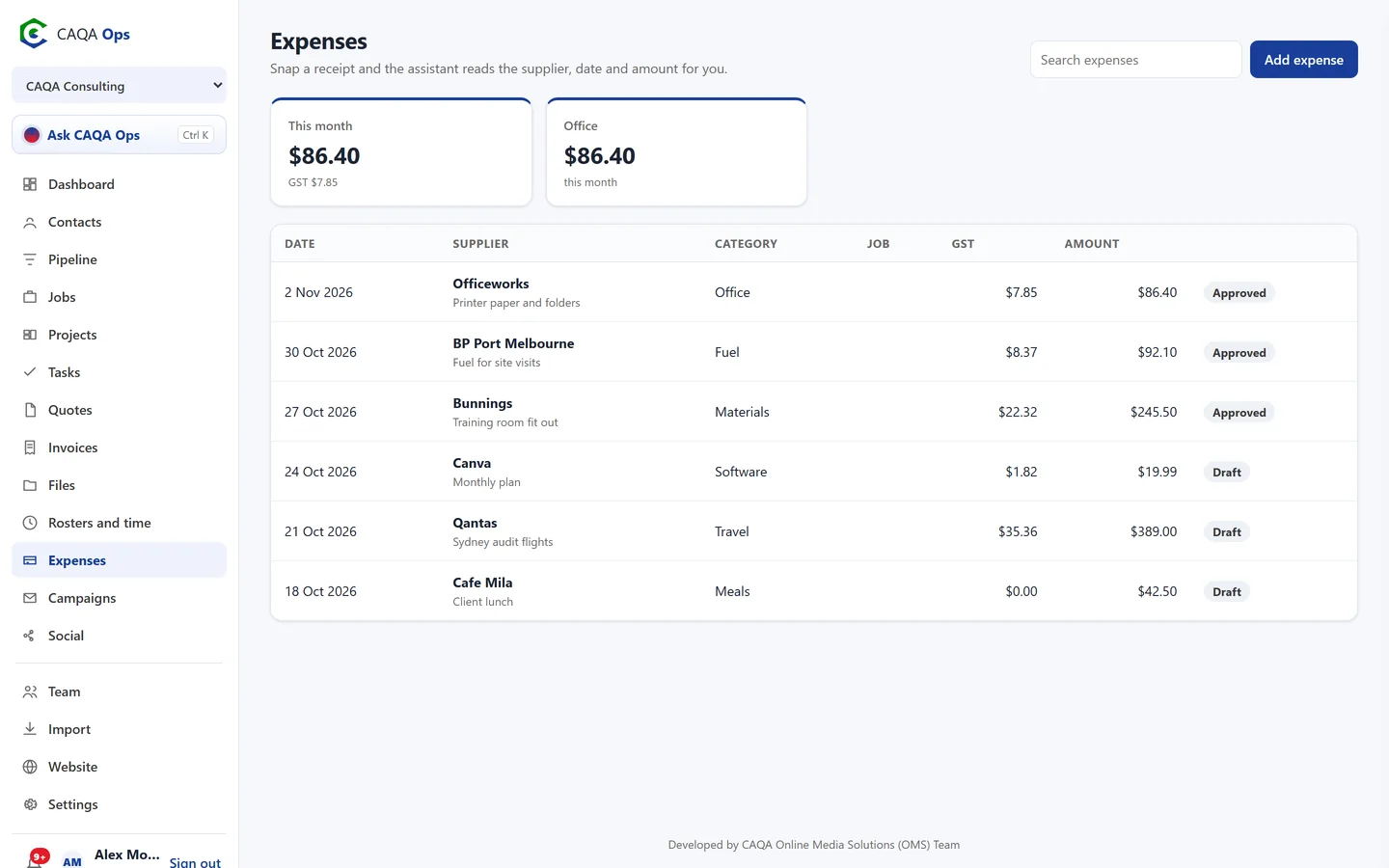
Keep every expense with its receipt, linked to the job or project it belongs to. Take a photo and the assistant reads it, so you only check and save.
What it does
The functions you will use every day
Receipt reading
Photograph a receipt and the supplier, date, total, GST and category are filled in for you.
GST worked out
If the receipt does not show the GST, CAQA Ops works it out for GST registered businesses.
Linked to jobs
Attach expenses to a job or project so you know what the work really cost.
Monthly totals
See this month's spending and the biggest categories at a glance.
Approvals
Staff add expenses, owners and admins approve them.
Ask about spending
Ask the assistant what you spent on materials last month, or tell it to log an expense.
How it works
Three steps, and you are done
- 1
Take a photo of the receipt
- 2
Check the details
- 3
Save it against the job
Works with
Connected to the rest of CAQA Ops
Ask CAQA Ops
Ask who owes you, what is on this week, or tell it to book, quote and invoice. Every change waits for your OK.
ExploreClients and pipeline
A clean client list with full history, and a pipeline board that tells you who to call next.
ExploreJobs and bookings
A week calendar for every booking, with the right people assigned and clear status from enquiry to done.
ExploreSee CAQA Ops on your own work
Book a short walkthrough. We will set up your company with you, invite your team and show you how the assistant fits your day.