
Multi company
One login for every company you run.
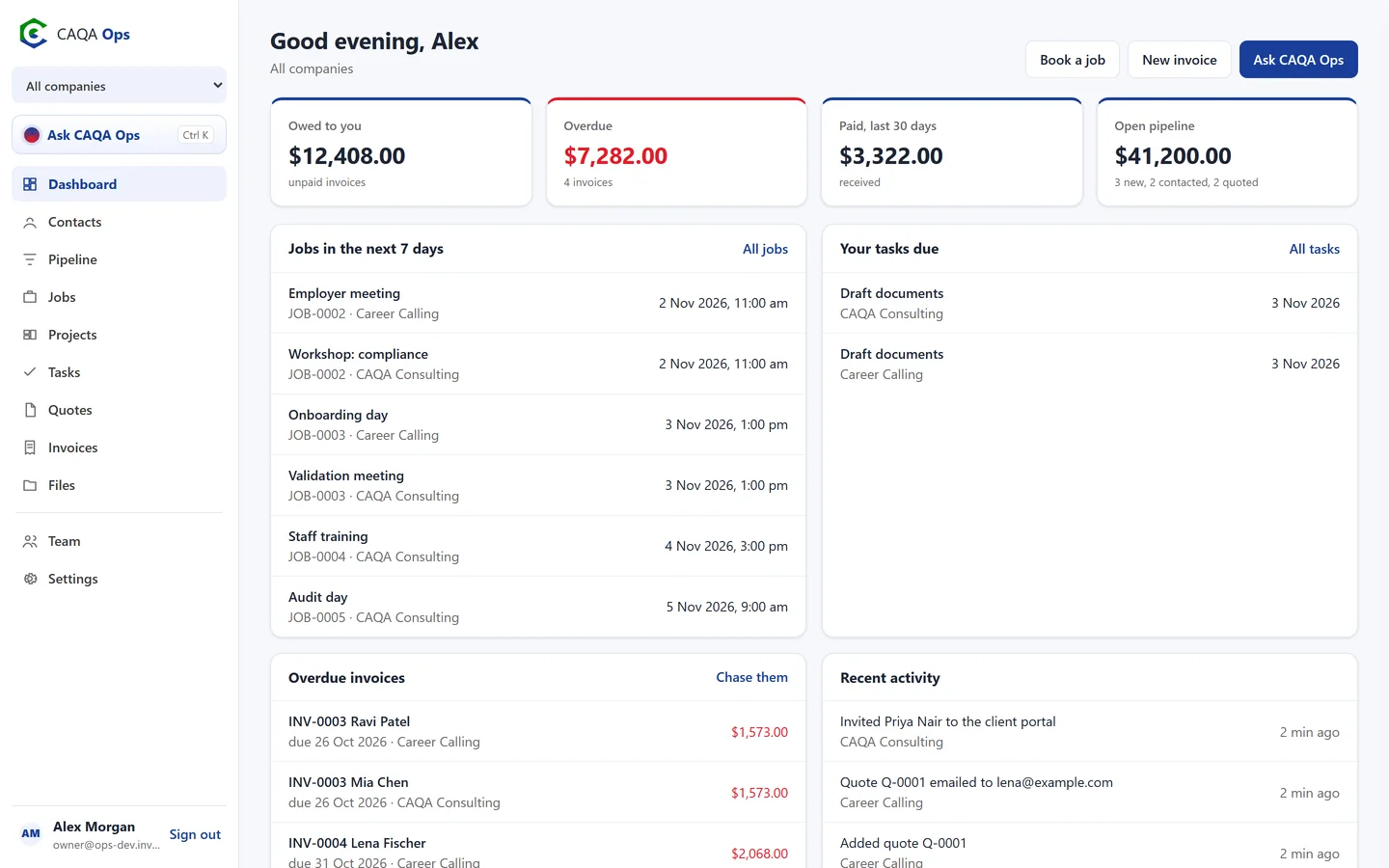
Running more than one business? Each company in CAQA Ops has its own clients, jobs, invoices, numbering, GST setting, branding and team. Switch between them, or choose All companies to see the whole group at once.
What it does
The functions you will use every day
Kept separate
Each company's records are only visible to that company's team. People can belong to one company or several.
All companies view
Money owed, overdue, paid and pipeline added up across the group, with each item labelled by company.
Own settings per company
Invoice prefixes and numbers, payment terms, reminders, GST registration, bank details and branding.
Switch on what you use
Each company chooses its modules, so a recruitment business and a training business each see what they need.
Own assistant settings
Each company can use the CAQA private model or connect its own AI account.
Add a company any time
Set up a new business in under a minute and start invoicing straight away.
How it works
Three steps, and you are done
- 1
Create each company
- 2
Invite each team
- 3
Switch, or view them all together
Works with
Connected to the rest of CAQA Ops
Ask CAQA Ops
Ask who owes you, what is on this week, or tell it to book, quote and invoice. Every change waits for your OK.
ExploreClients and pipeline
A clean client list with full history, and a pipeline board that tells you who to call next.
ExploreJobs and bookings
A week calendar for every booking, with the right people assigned and clear status from enquiry to done.
ExploreSee CAQA Ops on your own work
Book a short walkthrough. We will set up your company with you, invite your team and show you how the assistant fits your day.