
Jobs and bookings
Book it, assign it, deliver it.
See the week at a glance, book work in seconds and make sure the right people turn up. Each job keeps its client, location, notes and status together, and turns into an invoice when it is done.
What it does
The functions you will use every day
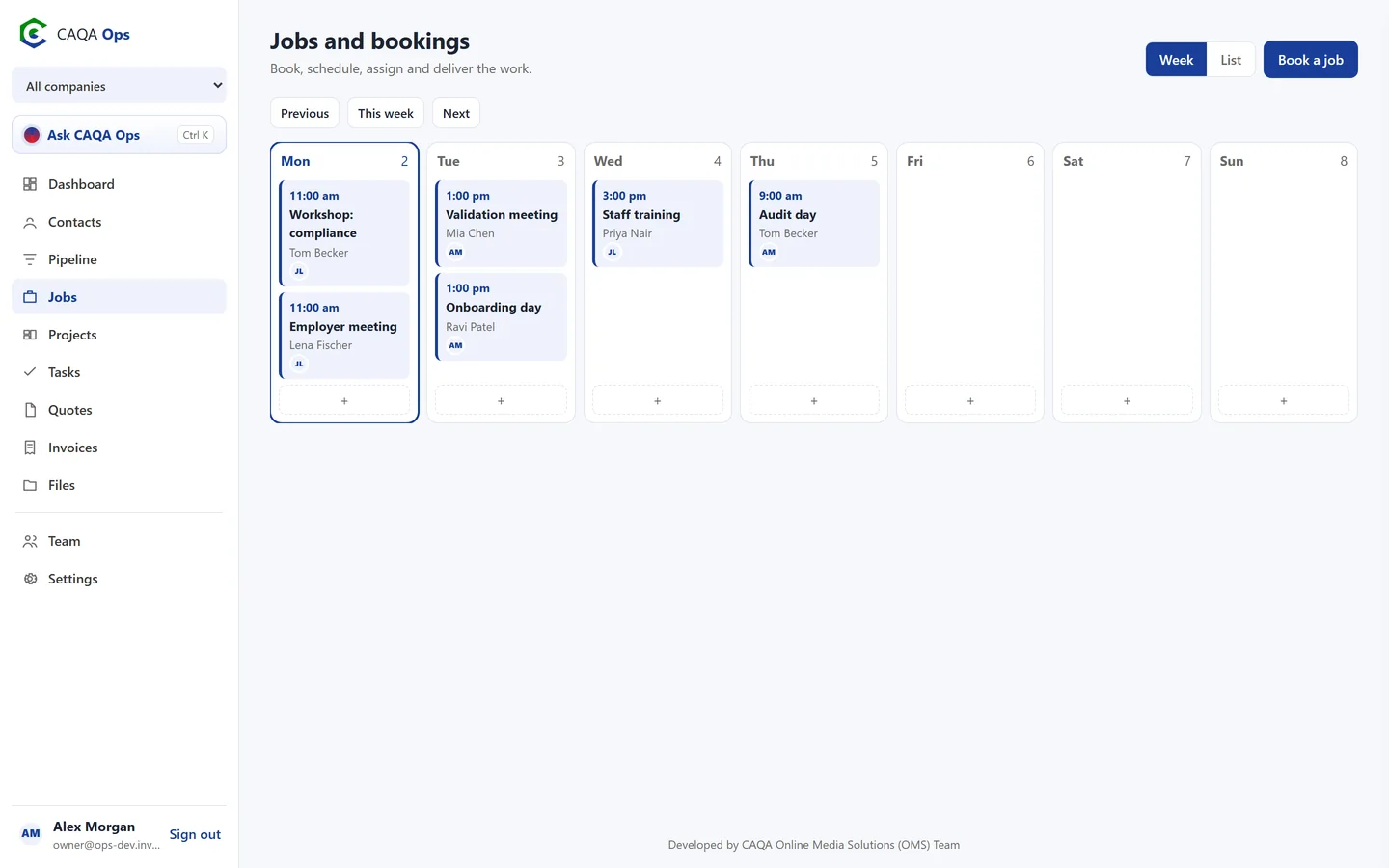
Week calendar
Every booking across the week, colour coded by status, with the team on each job. Click a day to book.
Assign the team
Add one or more staff to a job. Their names and initials show on the calendar.
Status from enquiry to done
Enquiry, booked, in progress, done or cancelled, always visible to the whole team.
Linked to everything
Connect a job to its client, the lead it came from and the project it belongs to.
Invoice the job
When the work is finished, raise the invoice from the job with the client already filled in.
Clients see their bookings
Booked jobs appear in the client portal, so clients always know what is coming.
How it works
Three steps, and you are done
- 1
Pick a day or press Book a job
- 2
Add the client, time and team
- 3
Mark it done and invoice it
Works with
Connected to the rest of CAQA Ops
Ask CAQA Ops
Ask who owes you, what is on this week, or tell it to book, quote and invoice. Every change waits for your OK.
ExploreClients and pipeline
A clean client list with full history, and a pipeline board that tells you who to call next.
ExploreQuotes and invoices
GST worked out for you, emailed links clients can accept or pay, and reminders that chase overdue invoices.
ExploreSee CAQA Ops on your own work
Book a short walkthrough. We will set up your company with you, invite your team and show you how the assistant fits your day.