
Team and files
The right access for every person.
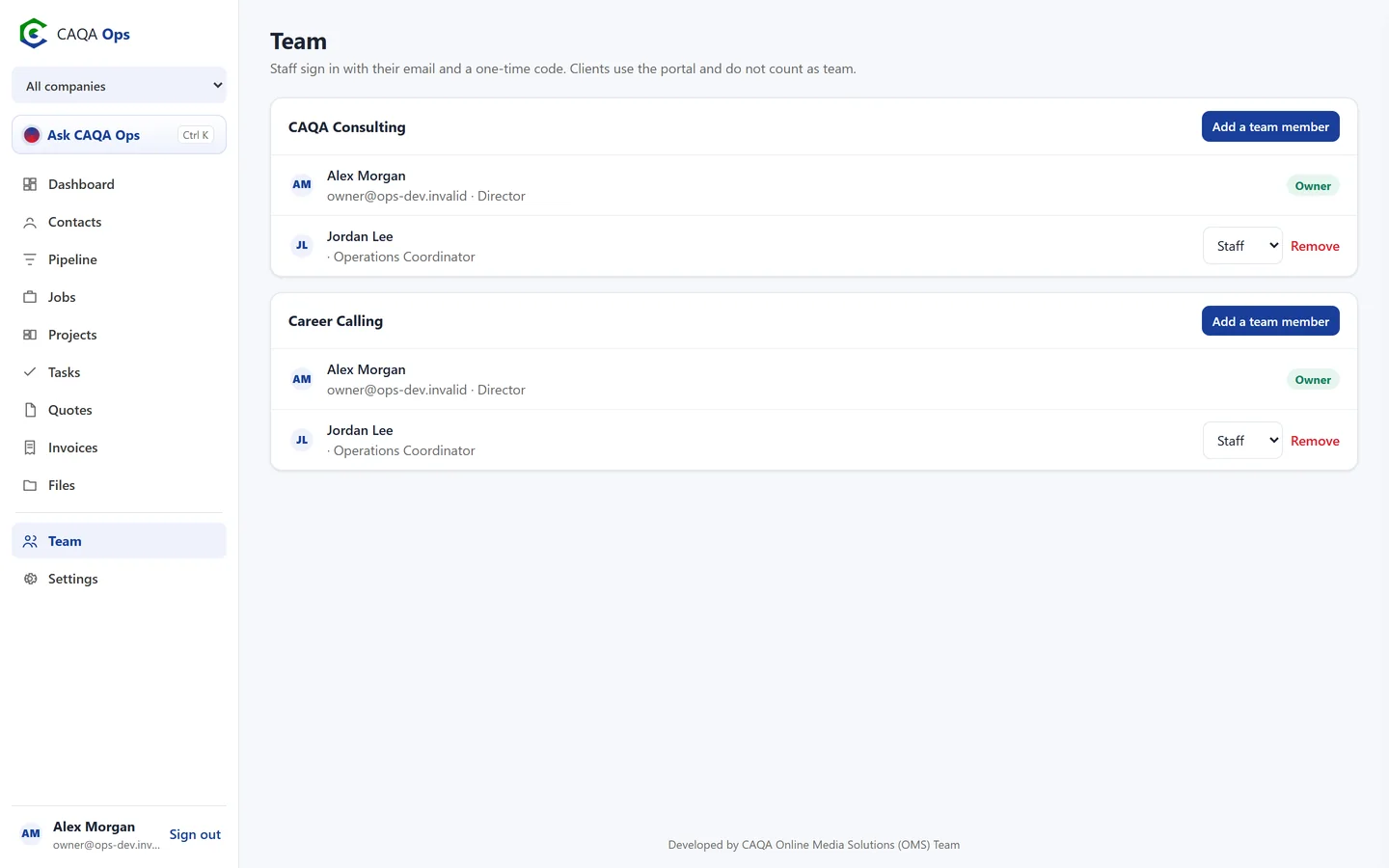
Bring the team in without the admin. Invite people by email, give them the right level of access, and keep the documents everyone needs in one secure place.
What it does
The functions you will use every day
Simple roles
Owners and admins manage the team and settings. Staff do the day to day work. Clients use the portal.
Two-step sign-in
Add a code from an authenticator app, and require it for owners and admins if you like.
Invite by email
New people get an email and sign in with a one-time code. They can set a password later if they want one.
Activity log
See what changed and who did it, from new jobs to payments, right on the dashboard.
Secure files
Upload documents, photos and plans up to 100 MB each. Files are private to your team until you share them.
Share with clients
Link a file to a client and share it in their portal with one click.
Install it like an app
Add CAQA Ops to your phone home screen or desktop, with notifications for new jobs, approvals and payments.
Calendar feed
Jobs and shifts appear in Google Calendar, Outlook or your phone calendar, and stay up to date.
How it works
Three steps, and you are done
- 1
Add a team member
- 2
Choose staff or admin
- 3
They sign in with an emailed code
Works with
Connected to the rest of CAQA Ops
Ask CAQA Ops
Ask who owes you, what is on this week, or tell it to book, quote and invoice. Every change waits for your OK.
ExploreClients and pipeline
A clean client list with full history, and a pipeline board that tells you who to call next.
ExploreJobs and bookings
A week calendar for every booking, with the right people assigned and clear status from enquiry to done.
ExploreSee CAQA Ops on your own work
Book a short walkthrough. We will set up your company with you, invite your team and show you how the assistant fits your day.