
Rosters and time
Rosters, timesheets and leave, ready for payroll.
Build the roster, publish it to the team, and let everyone log their hours against jobs. Approve timesheets and leave in a click, then export everything for payroll with rates and amounts worked out.
What it does
The functions you will use every day
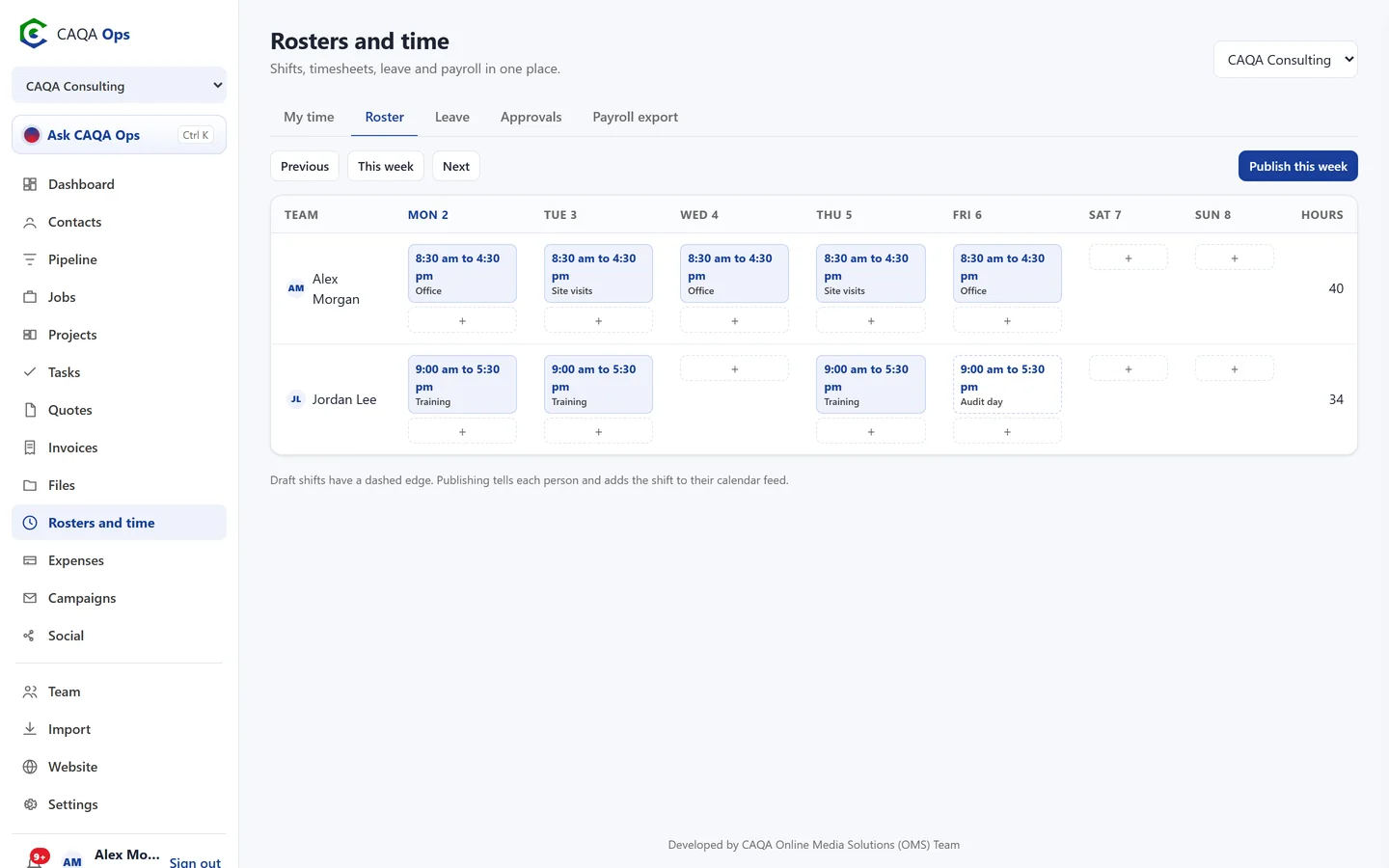
Weekly roster
Add shifts per person and day, keep them as drafts, then publish the week. Everyone is told and the shifts appear in their calendar.
Timesheets on any device
Start, finish and break times, with hours worked out for you, linked to a job if you like.
Approvals
Owners and admins approve or reject timesheets and leave, and staff are told straight away.
Leave requests
Annual, personal, unpaid and other leave, with a clear view of who is away.
Payroll export
Approved hours and leave for any dates as a spreadsheet, with each person's hourly rate and the amount.
Records kept
Every approved timesheet stays on file with who approved it and when.
How it works
Three steps, and you are done
- 1
Publish the roster
- 2
Staff log their hours
- 3
Approve and export for payroll
Works with
Connected to the rest of CAQA Ops
Ask CAQA Ops
Ask who owes you, what is on this week, or tell it to book, quote and invoice. Every change waits for your OK.
ExploreClients and pipeline
A clean client list with full history, and a pipeline board that tells you who to call next.
ExploreJobs and bookings
A week calendar for every booking, with the right people assigned and clear status from enquiry to done.
ExploreSee CAQA Ops on your own work
Book a short walkthrough. We will set up your company with you, invite your team and show you how the assistant fits your day.